
◆Module · Desktop App
At home on the desktop.
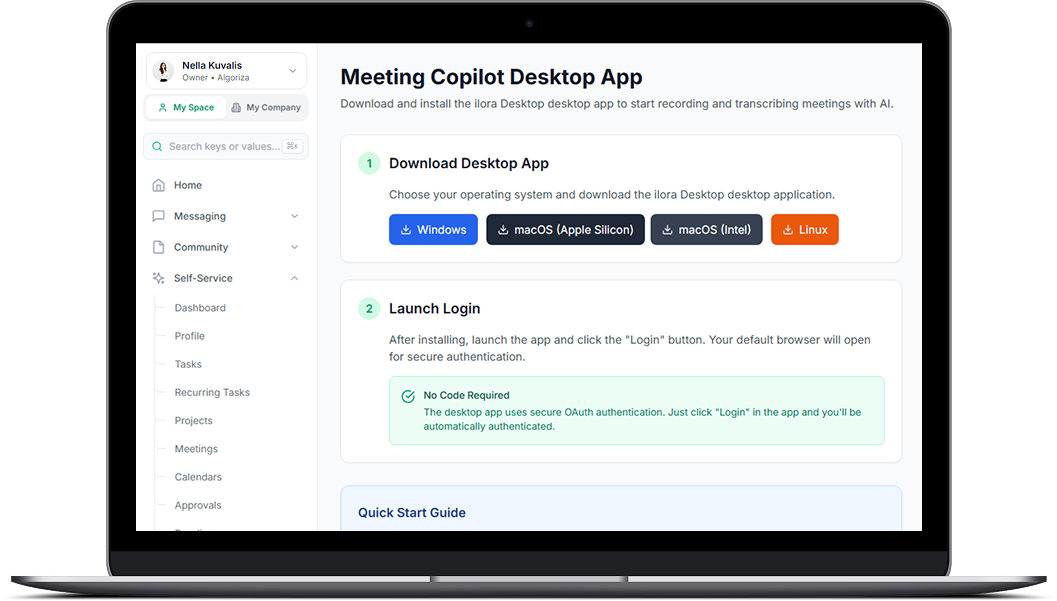
A desktop companion for Windows and macOS — a live meeting and sales copilot that captures the call on your device, transcribes Arabic and English, separates speakers, and writes reports where every score cites a verbatim quote.
01The Problem
The problem you know
Decisions that evaporate after the call
The meeting ends, everyone agrees on five action items, and by Thursday nobody remembers three of them — or who owned them.
Browser tabs eating the machine
Web-wrapper "apps" devour memory and die when the connection does. Daily-driver work deserves native software.
A distributed team you can't read
Who's productive, who's drowning, who's idle? Across remote desks, you're managing by guesswork.
03What you get
Desktop App
Live meeting & sales copilot
Captures the call locally on your device — no bot joins your meeting, no browser extensions — transcribes live, suggests the next question, and names objections as they happen.
Speaker diarization
Who said what, captured precisely — two-channel separation on remote calls, diarization on a single mic in the room, with an honest manual toggle when it can't be guaranteed.
Works even when you're not host
Captures local audio on your device instead of relying on host-platform APIs — it works as long as you're on the call.
Evidence-backed reports
Every rubric score in an interview or sales-call report must cite a verbatim quote with its timestamp. No evidence, no score — the report says "not assessed" instead of guessing.
Arabic & English, mixed
Dual-pass transcription scores both languages per utterance and keeps the best — built for conversations that switch language mid-sentence.
Endpoint DLP & security
Data-loss-prevention controls, end-to-end payload encryption, corporate MDM integration and strict RBAC limits.
?FAQ